
Ask Grok Bot how your site is doing
 Grok Bot
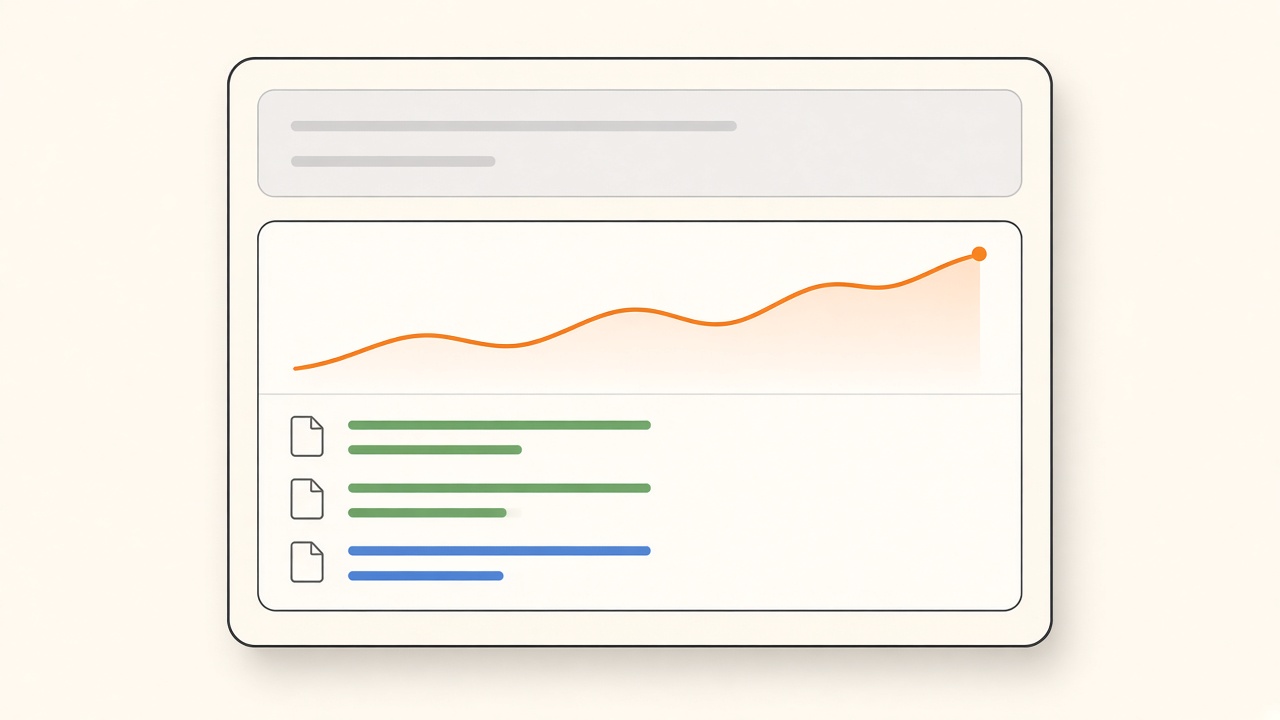
Paste this into Grok Bot. It connects Agent Analytics, pauses once for your sign-in, and answers your first question.
Connect the Agent Analytics MCP server at https://mcp.agentanalytics.sh/mcp. When it asks me to sign in, wait for me. Then list my Agent Analytics projects, pick the one with the most traffic this week, and tell me how it did over the last 7 days compared with the 7 days before: visitors, top pages, top referrers, and anything that changed a lot.When Grok Bot first uses an Agent Analytics tool, it shows a connect card. Approve the sign-in with the Google or GitHub identity that owns your projects. No API key is needed. Grok Bot can then read every project on that account.
Before you start
Section titled “Before you start”- An Agent Analytics account at app.agentanalytics.sh with at least one project that receives events
- Grok Bot
Agent Analytics is not listed in the Grok Bot Connect Apps catalog. Grok Bot connects to it by URL when you ask in chat, as in the prompt above. For connection details and troubleshooting, see Connect to Grok Bot.
If you don’t have a project with data yet, follow Your first project first.
Questions to ask
Section titled “Questions to ask”Replace my-site with a project name from your list.
Traffic
How is my-site doing this week compared with last week?Which countries do my-site visitors come from this month?Who is on my-site right now?Give me a 7 day summary across all my projects.
Pages and sources
What are the top pages on my-site in the last 30 days?Which pages do visitors land on first, and which ones have the highest bounce rate?Which referrers and UTM sources brought the most visitors this week?How much bot traffic did my-site filter out this week?
Funnels and paths
Build a funnel for my-site from page_view to signup. Where do people drop off?Which entry pages lead to a signup in the same session?What share of last month's new visitors came back the next week?
Grok Bot uses the event names your project already sends. If you are not sure what they are, ask Which events does my-site track? first.
Experiments
List the experiments on my-site and tell me which variant is ahead.How are the variants in my headline test doing so far?Create an A/B experiment on my-site called pricing_cta with variants control and new_cta, measured on signup.
Review and approve write actions, such as creating an experiment, before they run. Shipping the variant on your site is a separate step. See AI Agent Experiment Tracking.
Grok Bot can also create projects, and save project goals and event descriptions so later answers use the right context. Available analyses depend on your plan.
Example answer
Section titled “Example answer”This is an example of the kind of answer to expect. The numbers are made up.
my-site, last 7 days vs the 7 days before- Visitors: 412, up from 355 (+16%)- Top pages: / (198), /pricing (74), /docs/install (51)- Top referrers: google.com (120), news.ycombinator.com (64), direct (90)- Change worth a look: /pricing visitors rose 40%, but signups stayed at 9Get a daily traffic summary
Section titled “Get a daily traffic summary”Grok Bot can run a saved prompt on a schedule. Ask it to set one up:
Every weekday at 9:00, check Agent Analytics for my-site. Compare the last 24 hours with the same day last week: visitors, signups, top 3 pages, and top 3 referrers. Flag any page or source that moved more than 30%. Keep it to five lines. If nothing changed much, say so in one line.You can change the time, the project, or the metrics later by asking Grok Bot to edit the routine. To cover every project at once, ask for a summary across all your projects instead of one.
Example of a daily message. The numbers are made up.
my-site, yesterday vs last TuesdayVisitors 61 (was 48). Signups 2 (was 2).Top pages: /, /pricing, /blog/launchTop referrers: direct, google.com, x.comMoved: x.com referrals up from 3 to 14Grok Bot can also run a one-off routine on a specific date. After you ship a change, schedule one compare read for ship day + 8 or later. compare is free on every plan. It leaves the ship day out and returns keep, revert, or extend against a rule written before the ship. The goal is unique converters: a user who fires it more than once counts once. Revert only when the relative lift is at or below the revert threshold and the 90% interval lies entirely below zero. A drop inside that noise is extend. A window that still includes today is extend. Ask Grok Bot to call the MCP tool compare (project, goal_event, ship_date, window_days, and a nested rule). A shell agent can run npx @agent-analytics/cli@0.5.41 compare. Agent Analytics itself does not schedule or send the read. The host agent does. See Day-7 compare read.
On 2026-04-23, call the compare tool once for my-site and do not repeat it. compare is free. The pricing page shipped on 2026-04-15. Leave the ship day out. Use ship_date 2026-04-15 and window_days 7. Count signup as unique converters. Return keep, revert, or extend against this rule, written before the ship: keep if relative lift is at least 0.10 and the 90% interval is entirely above zero, revert only if lift is at or below the revert threshold and the 90% interval is entirely below zero, and extend otherwise (including a drop inside the noise, or a window that still includes today). Send thresholds as fractions, so 0.10 means +10%. An absolute value above 5 is rejected.Use it with a Mission Control Page
Section titled “Use it with a Mission Control Page”Grok Bot can build Pages, web pages it can refresh on a schedule with a routine. Awesome Grok Bot Pages lists Page templates, each with the prompt that built it. Several are Mission Control Pages: one screen for what your bots are doing and what waits on you.
Side Project Mission Control is the one made for a product you run with bots. It shows site, deploy, PR, and error status, a Needs you list, and key numbers. Its prompt asks for your analytics, for example the Agent Analytics MCP, for visits, signups, and clicks on your main call-to-action. With Agent Analytics connected, those numbers come from your project, each with a sparkline and the change against the 7-day average.
To set it up:
- Connect Agent Analytics with the prompt at the top of this page.
- Open the template, copy its prompt, and paste it into Grok Bot.
- Tell Grok Bot which project to use and which event is your call-to-action click.
- Copy the routine prompt from the same template so the Page refreshes every weekday.
Already have a Mission Control Page, such as the Mission Control template? Ask Grok Bot to add your site numbers to it:
Add a site traffic section to my Mission Control Page. Pull visits, signups, and clicks on my signup button for my-site from Agent Analytics for the last 14 days, each with a sparkline and the change against the 7-day average. Show anything Agent Analytics does not track as empty instead of guessing. Update it every time the Page refreshes.For a Page about your site alone, start from the Site Analytics Dashboard template. Before you make a Page public, replace your real numbers with mock data.